A thoughtful gaming gift can suit the way someone plays, whether they spend evenings in voice chat, tune a desk setup, or share a home network with other players.
These seven ideas cover useful upgrades across audio, controls, connectivity, and workspace comfort. Check compatibility with the recipient’s devices and setup before choosing.
7 Gift Ideas for Gamers
SteelSeries Arctis Nova 7P Wireless Gaming Headset
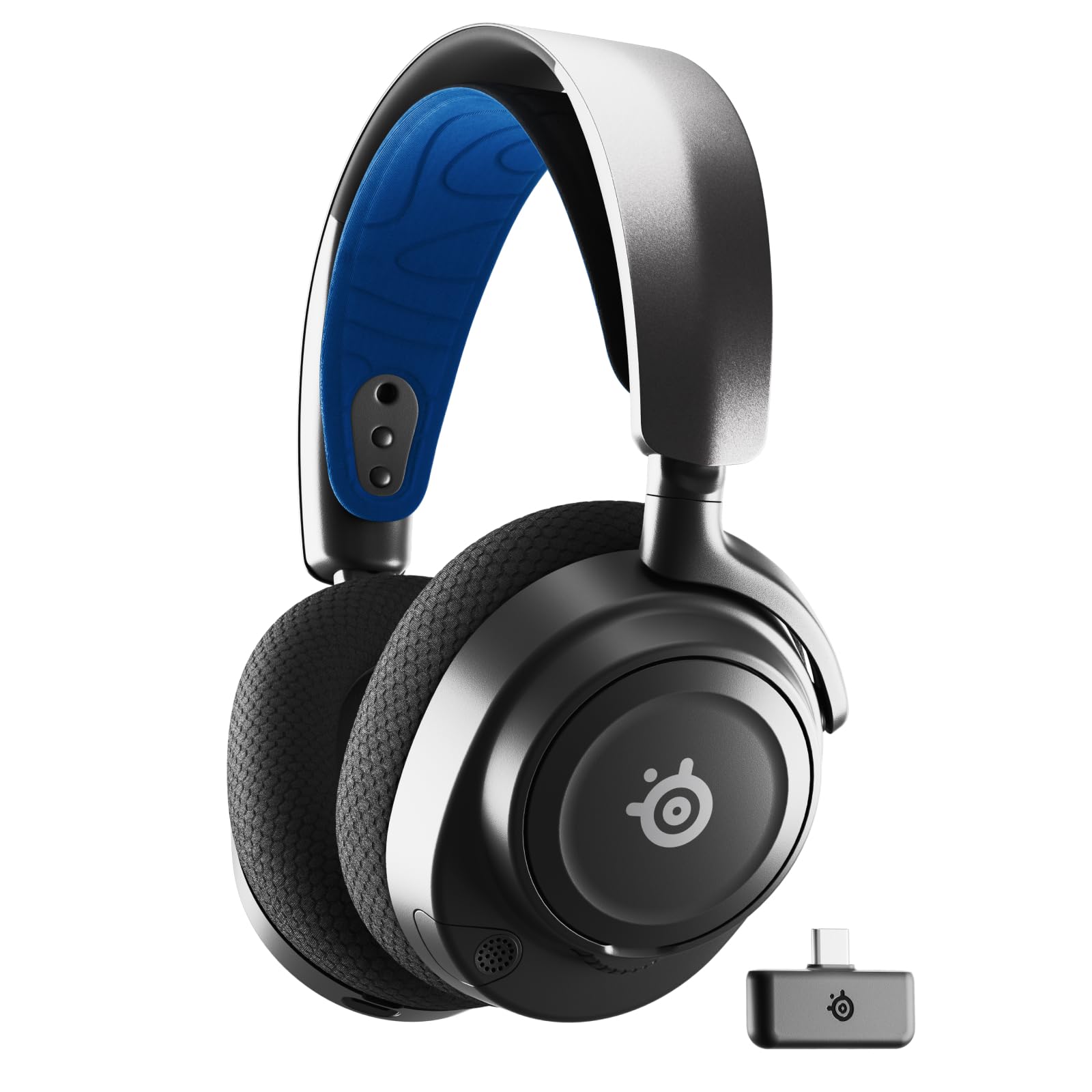
- Connect wirelessly with the included portable USB-C dongle.
- Mix calls or music with game audio using dual audio streams.
- Recharge over USB-C; a 15-minute charge provides 6 hours of play.
Best Gift For: A gamer who wants a wireless headset for play across supported platforms.

SteelSeries Apex Pro TKL Gaming Keyboard
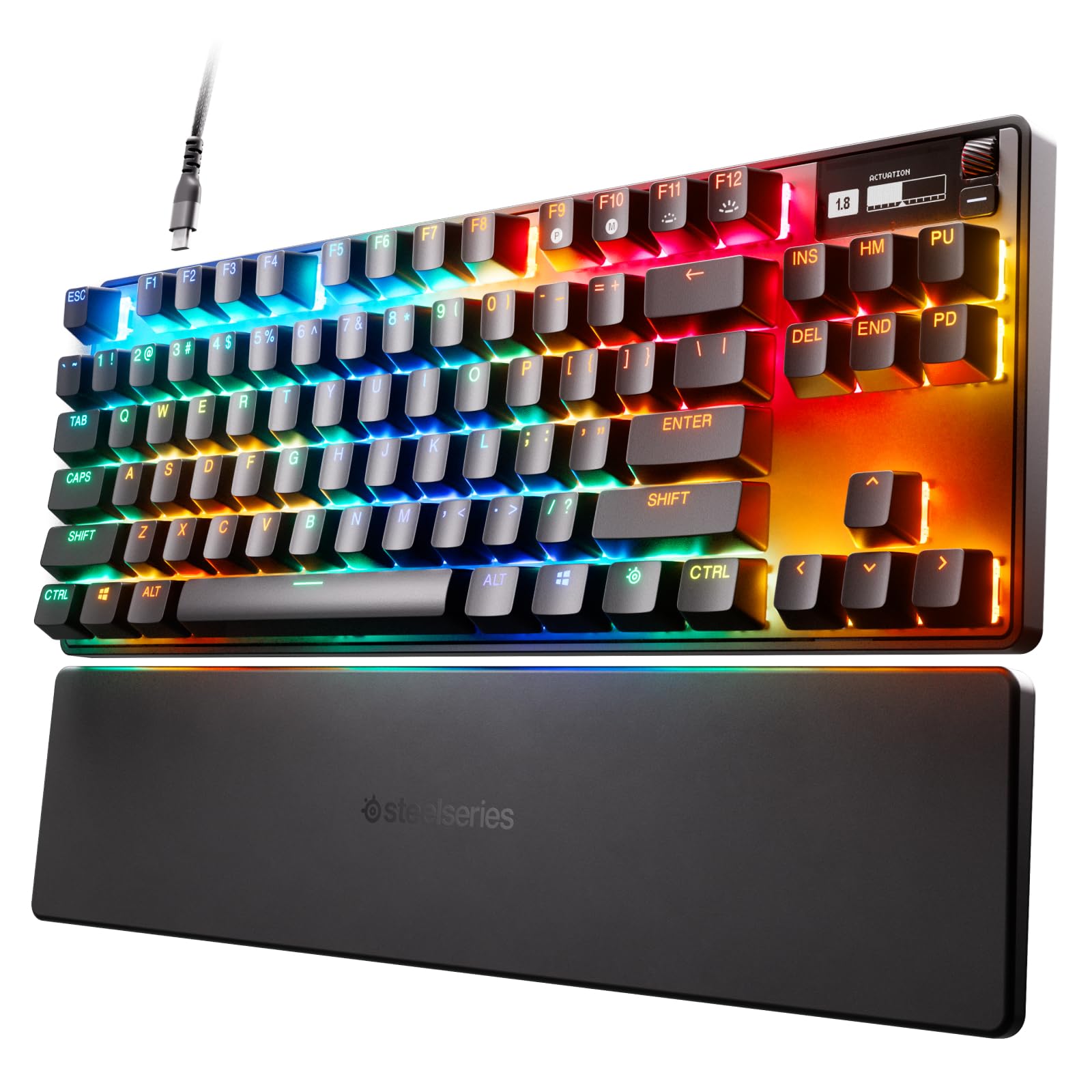
- Adjust the actuation level for individual keys.
- Assign two actions to one key with 2-in-1 action keys.
- The tenkeyless keyboard has a detachable USB-C connection.
Best Gift For: A PC gamer who likes adjusting keyboard response to suit different in-game actions.
SteelSeries Rival 5 Gaming Mouse
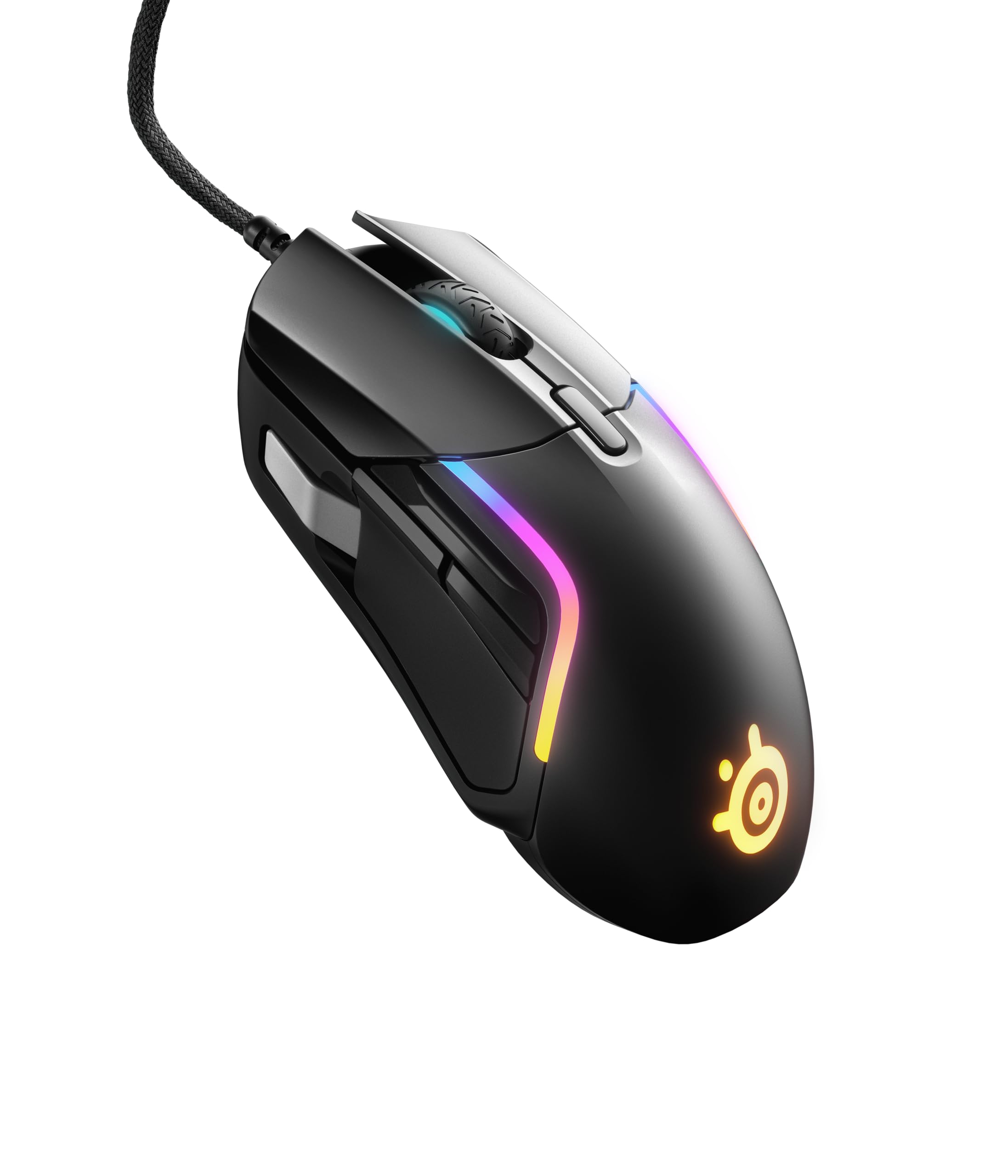
- Set up controls with its nine programmable buttons.
- The optical sensor supports true one-to-one tracking.
- At 85g, this mouse has a lightweight build for fast-paced gaming.
Best Gift For: A gamer who plays fast-paced titles and wants configurable side controls.
FIFINE T669 USB Condenser Microphone Kit
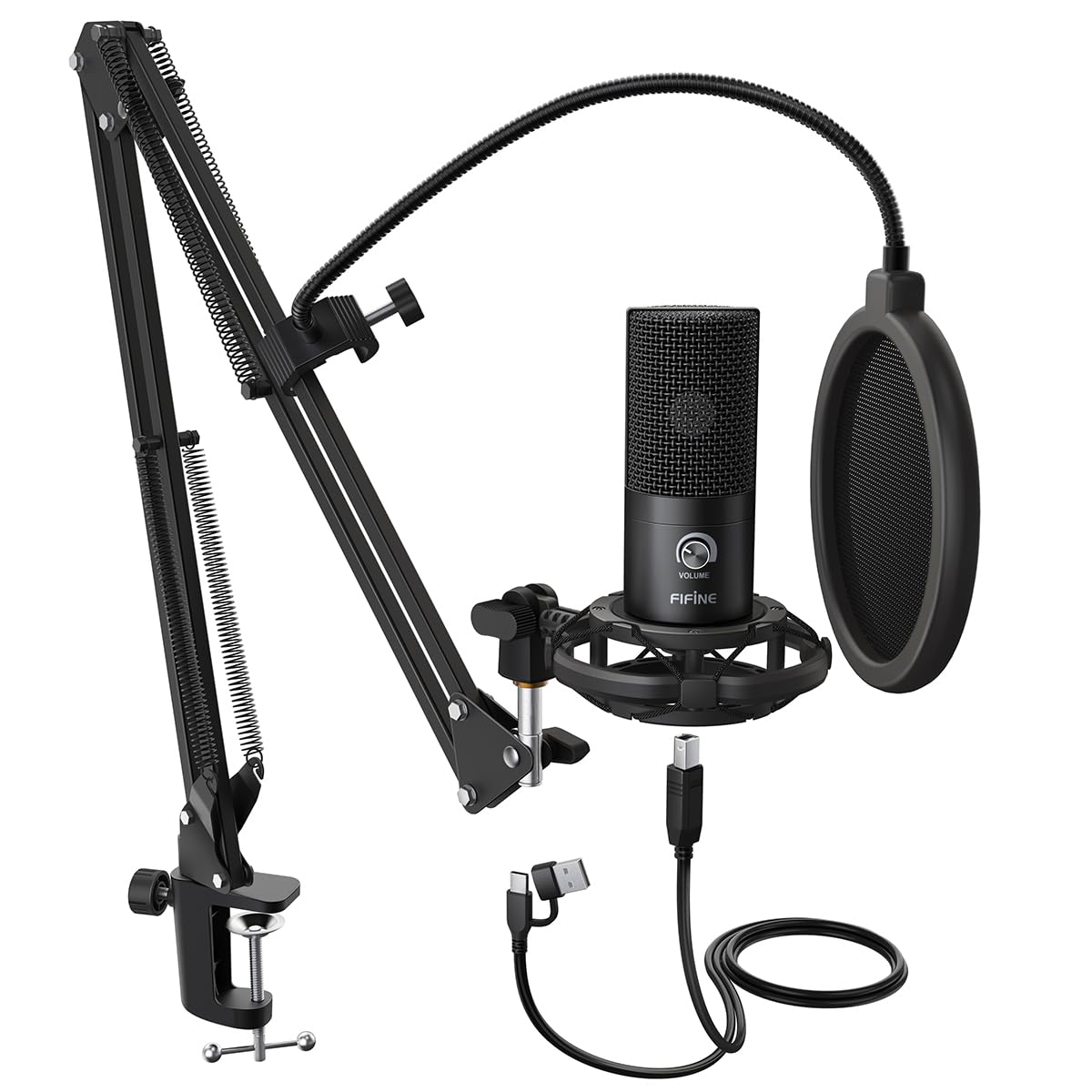
- Connect to a PC or laptop with a plug-and-play USB setup.
- The kit includes an adjustable boom arm and shock mount.
- A double pop filter helps minimize popping sounds.
Best Gift For: A PC gamer who streams, records voiceovers, or wants a desk microphone for voice chat.
TP-Link Archer AXE75 WiFi 6E Router
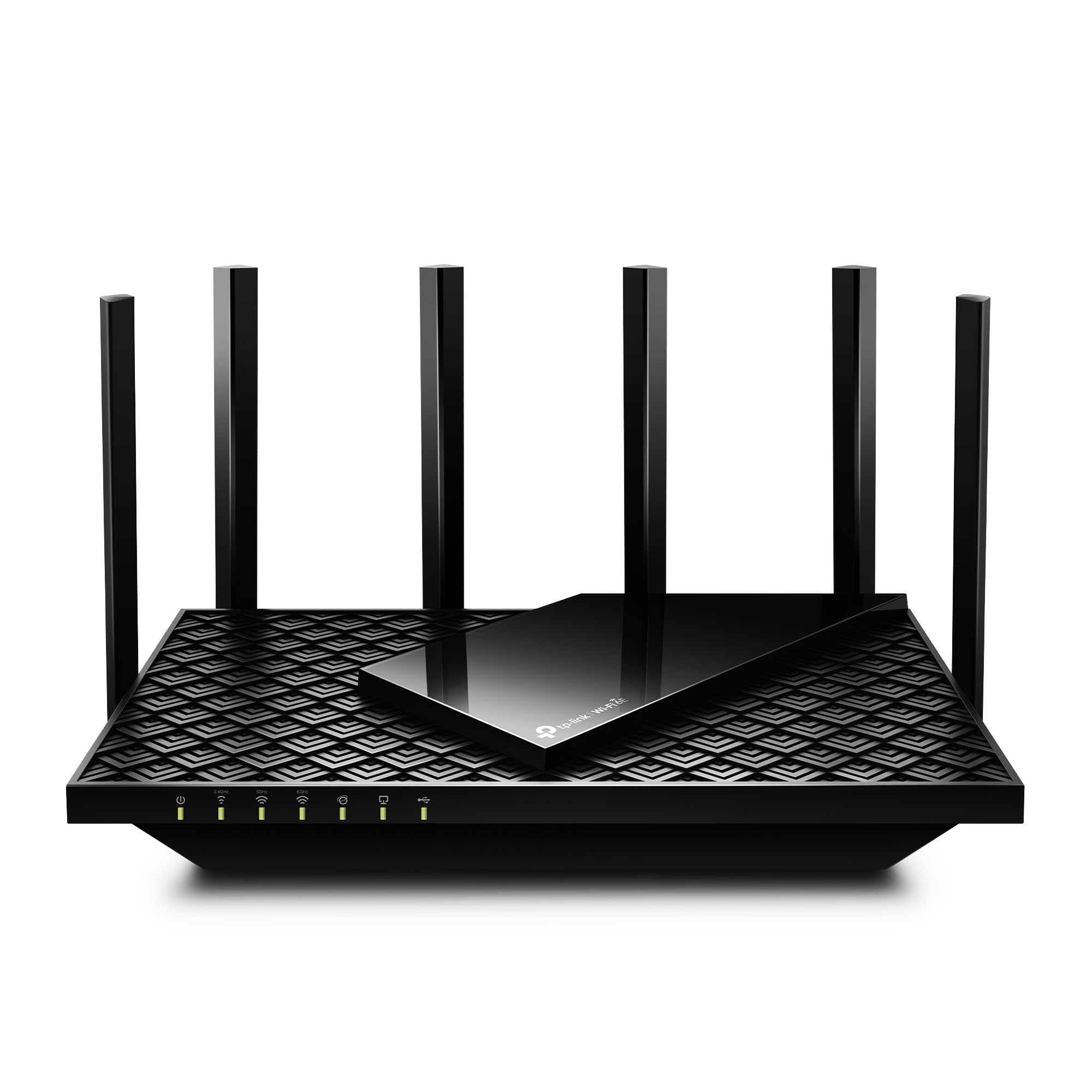
- Tri-band WiFi 6E delivers up to 5400 Mbps across the 6 GHz, 5 GHz, and 2.4 GHz bands.
- OFDMA and tri-band technology are designed to increase device capacity.
- A modem is required for most internet service providers.
Best Gift For: A gamer looking to upgrade a home network used for gaming and video calls.
HUANUO FlowLift Dual Monitor Stand
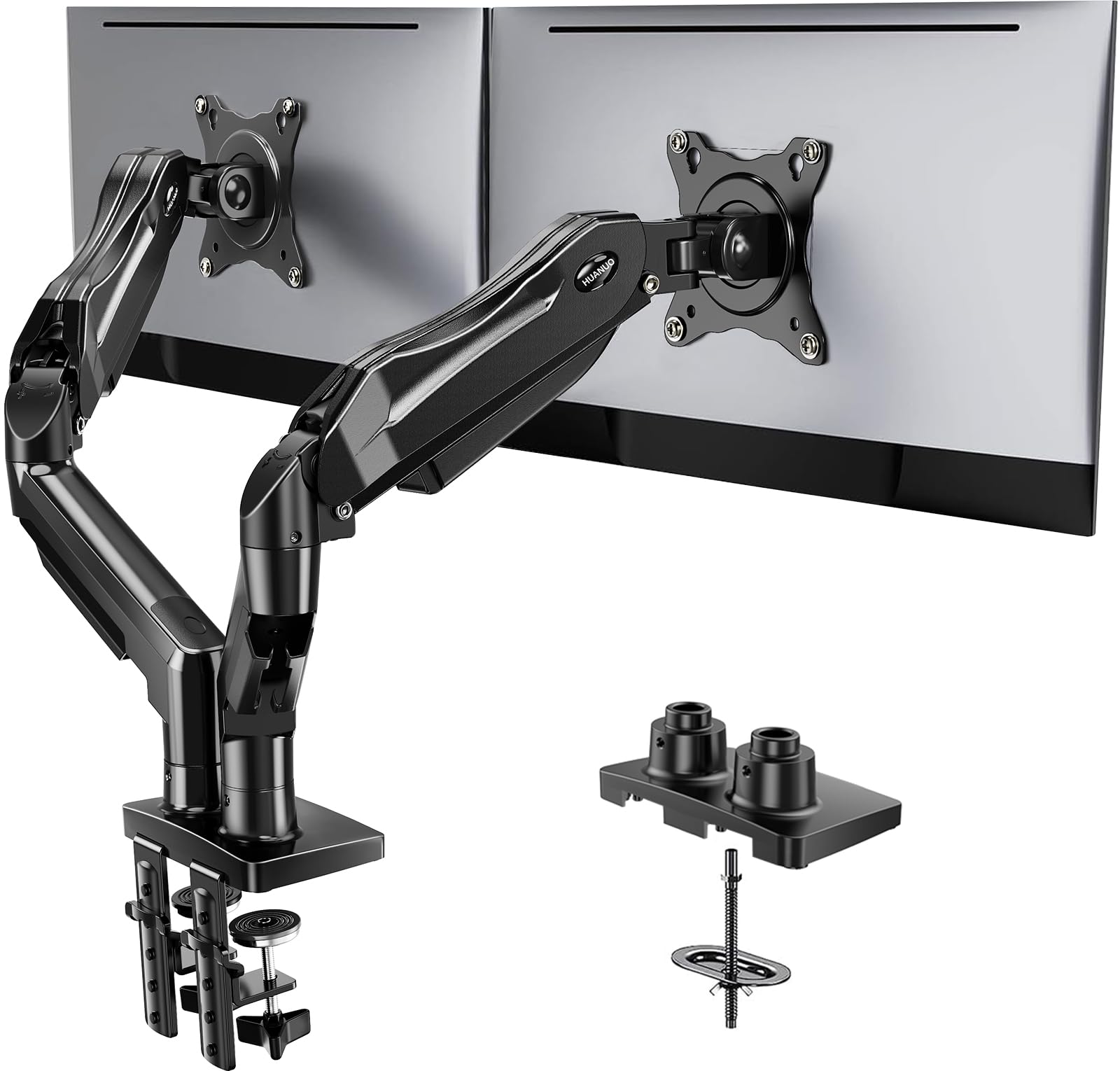
- Fits screens sized from 13 to 32 inches with compatible VESA mounting holes.
- Each arm supports monitors weighing 4.4 to 19.8 pounds.
- The arms offer tilt, swivel, and full rotation adjustments.
Best Gift For: A gamer with two compatible monitors who wants to adjust their desk viewing position.
Audioengine A2+ Wireless Computer Speakers
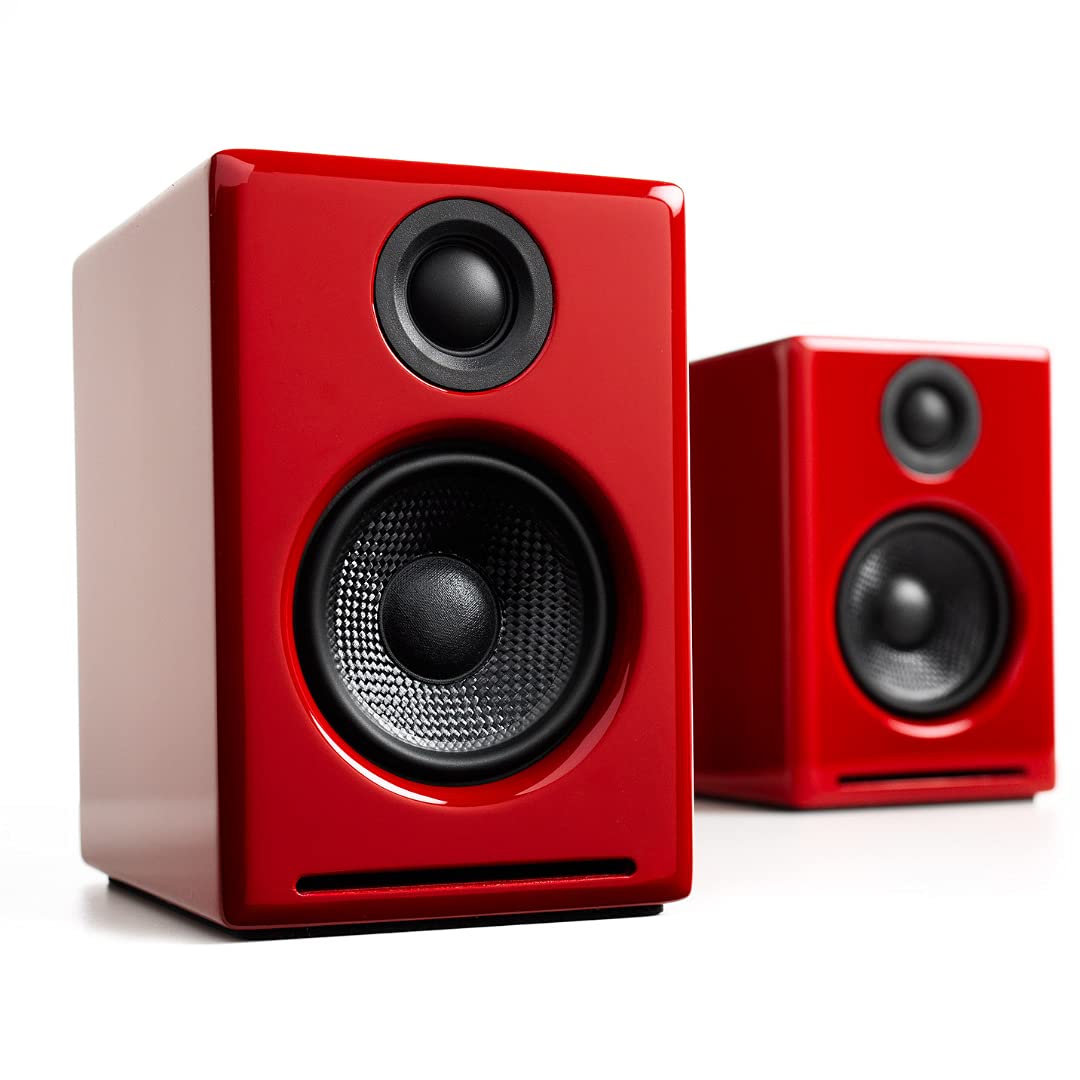
- Stream wirelessly from phones, tablets, and computers.
- Connect through USB-C, RCA, or 3.5 mm AUX inputs.
- The built-in DAC connects directly to a computer through USB-C.
Best Gift For: A gamer who prefers desktop speakers for games, music, and video calls.
Choosing gifts for gamers by play style
When choosing gifts for gamers, start with how the recipient actually plays. Someone who joins voice chat most nights may appreciate clearer communication, while a player who keeps several windows open could benefit from a desk change that makes the screens easier to position.
Think about the games and devices they use. A mouse with programmable controls may suit someone who plays several fast-paced genres; a headset or speakers may be more useful to a player who values game audio.
For a console or PC accessory, check platform compatibility before buying.
Consider whether the gift will fit into an existing setup. Ask about the recipient’s available desk space, connections, and other equipment, or use a wish list as a discreet reference.
For a large upgrade, a conversation about compatibility can be more helpful than guessing.
Set a budget that fits the upgrade
Gaming gear spans small accessories and substantial setup upgrades. Decide what role the gift should play before comparing options: a focused add-on, a replacement for worn equipment, or a centerpiece the recipient has been wanting.
A lower-cost item can still feel personal when it matches a favorite kind of play.
If you are comparing similar options, look at practical differences such as connection type, adjustability, and what comes in the box. Check actual prices when you are ready to buy, since prices can change.
Make sure a seemingly modest upgrade does not require additional equipment the recipient would need to purchase separately.
For shared gifts, agree on a budget and the intended use. A few people might pool their contributions for a larger setup improvement, while a small gift from one person could complement gear the recipient already owns.
Let the recipient’s setup and your budget guide the choice.
Personalize gifts for gamers and present them well
To personalize gifts for gamers, connect the choice to what the person enjoys or how they use their setup. A note can mention the multiplayer nights, streams, or game sessions you hope it will make more comfortable.
Specific thoughtfulness often matters more than choosing the most elaborate item.
Presentation can make a practical gift feel special. Wrap a desk accessory with a handwritten message, or pair an audio gift with a card that says why you thought of them.
If the gift needs setup or installation, offer to help when they are ready, while letting them choose how their space is arranged.
For a larger purchase, include a gift receipt when possible and keep packaging until the recipient has checked fit and compatibility. This is especially useful for equipment that must work with particular devices or a specific desk arrangement.
A simple card can explain why you chose it without promising a particular result.
Make a thoughtful choice without overspending
A useful gaming gift does not have to be a major upgrade. Consider what might improve the recipient’s routine: a more comfortable play area, easier voice communication, or a way to adjust existing controls.
Practical gifts can feel personal when they address something the recipient has mentioned.
Avoid choosing solely by appearance or a long list of technical details. If you know the recipient prefers speakers to headphones, or needs a particular connection, let that preference narrow the options.
When you do not know, ask someone familiar with the setup or choose something with a straightforward return option.
Keep expectations grounded: a new accessory can complement someone’s setup, but it cannot guarantee a better connection or improved performance. Focus on the feature that fits their habits, and check current product details before purchasing.
Thoughtful fit is a sounder guide than promises about how a person will play.
Buying advice for a last-minute gaming gift
For a last-minute purchase, first check delivery estimates for your location and the retailer’s current return terms. Those details can change, so confirm them before checkout rather than assuming an item will arrive by a particular date.
Then confirm the basics: device compatibility, connection type, desk or screen fit where relevant, and whether any extra hardware is needed. A quick message to the recipient can prevent a mismatch; if the gift is meant to be a surprise, a family member or gaming friend may be able to help check discreetly.
If shipping timing feels uncertain, a printed card explaining the planned gift can preserve the surprise while you verify your options. Include enough detail for the recipient to understand the idea, and leave final setup decisions to them.
That small step can make a practical choice feel considered even when shopping time is short.